Three minutes to start.
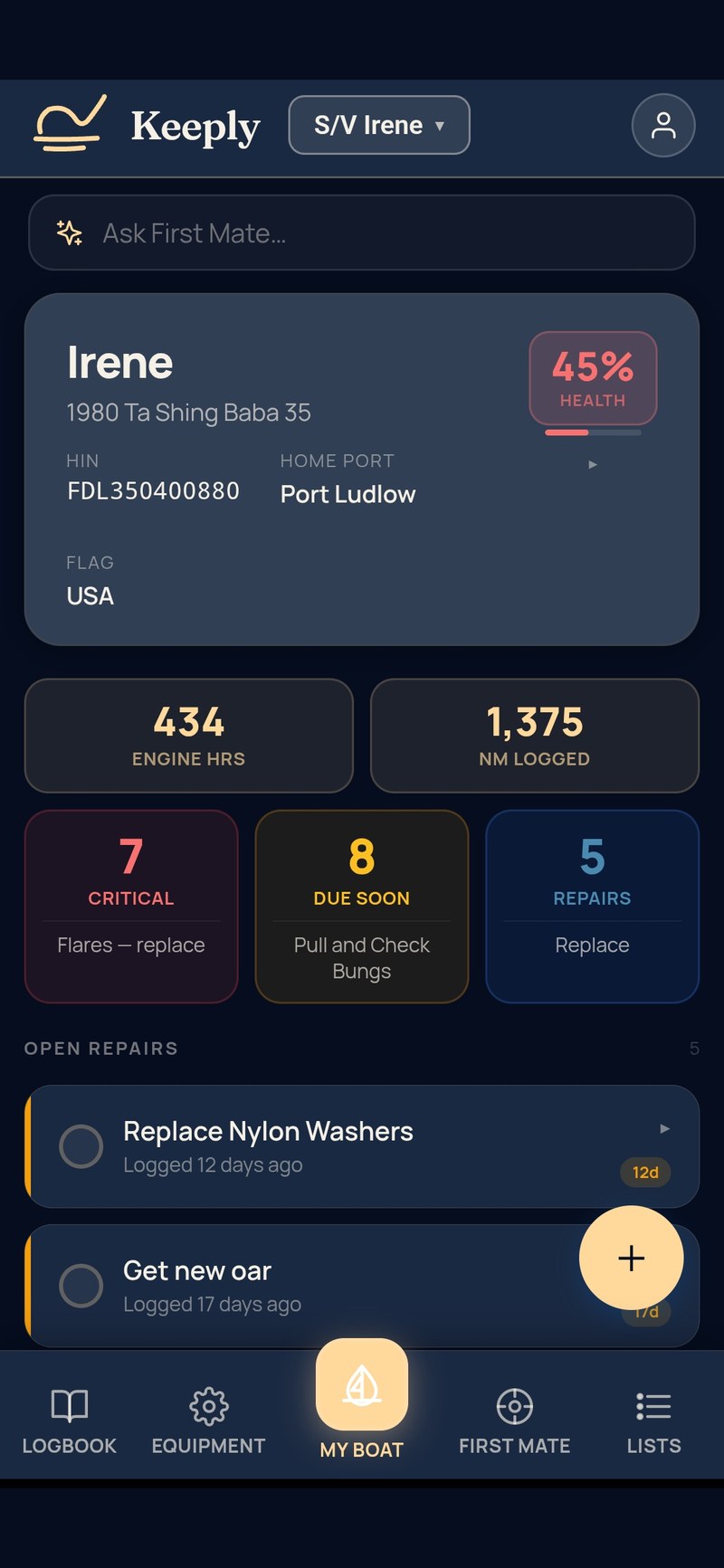
Tell Keeply what boat you have and it seeds your vessel — the equipment, the maintenance items, and the things that make boats run. Three minutes gets you a real working system. A session of curating the details gets you completely set up. Automation makes this fast, and you stay in control of what gets recorded.
Your manuals, put to work.
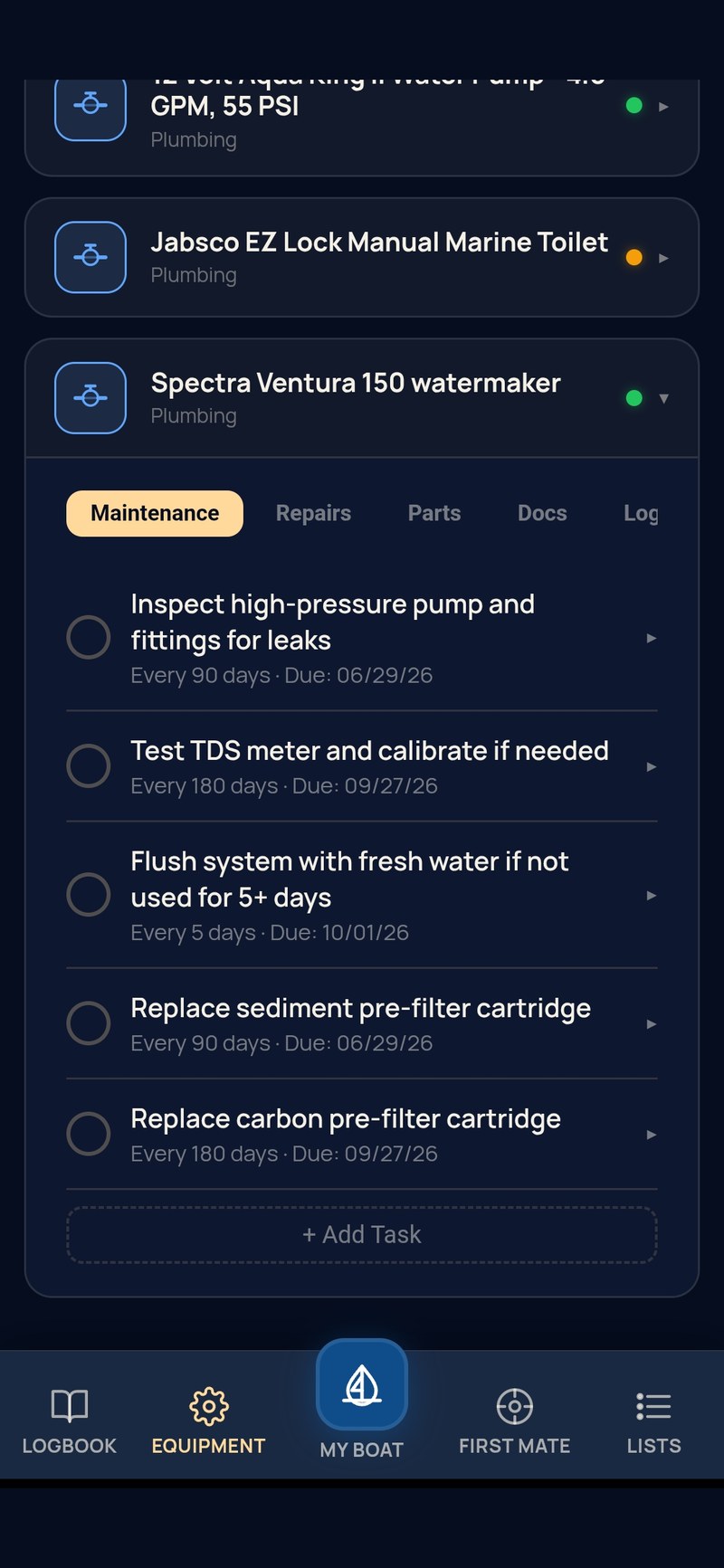
Add the PDF manual to an equipment card and Keeply reads it. It builds the maintenance schedule from the intervals the manual actually states, each task linked to the page it came from, so you can check the source in one tap. It pulls the part numbers printed in the parts pages into a list you can add from. And First Mate reads the relevant pages before it answers a question about that gear, then tells you which page. The binder in the nav station finally earns its place.
Every piece of equipment on your boat with its own card.
Make, model, serial, photos, manuals, service log, parts. Add gear the way that suits you: upload the manual and Keeply builds the card and its schedule from it; photograph the data plate and it reads the make, model and serial number; describe it and it suggests typical maintenance to start from; or enter it by hand. You review everything before it is added. Service intervals are fully editable, with engines tracked by hours run. The equipment list is what makes everything else work: Keeply knows your gear, so the schedule fits, the parts are right, and the answers are specific.
Browse the free engine maintenance guides →Every system on schedule, with a permanent log behind it.
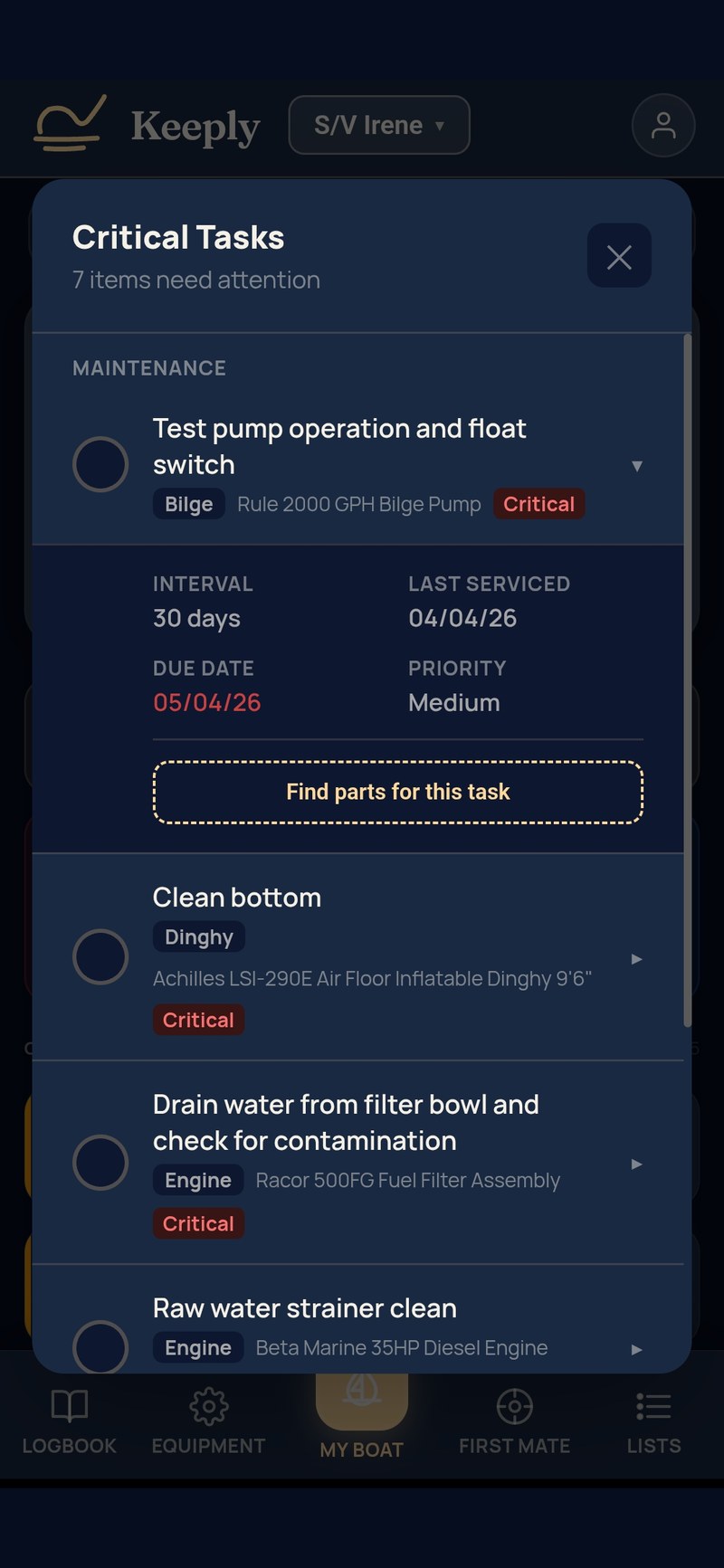
When a service is due, when it was last done, what notes you took at the time, what photos you captured. Every completed task adds to a permanent log on the equipment card — so the history of that engine, watermaker, or windlass lives with the gear, not in a separate notebook. Tasks roll forward when you mark them done, and reminders reach your phone when something comes due. Photos stay attached forever.
From open to closed, with photos and history.
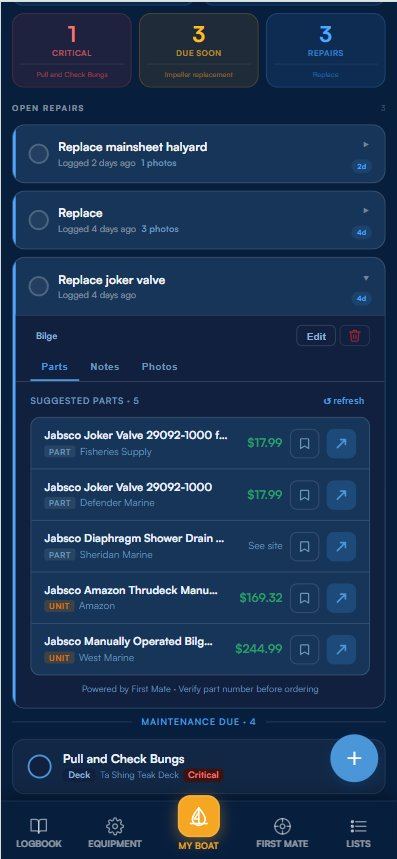
A repair tracker that does not pretend to be a maintenance task. Open a repair when something breaks, attach photos, link the affected equipment, log notes as you work it. Close it when fixed. Every closed repair stays in the history of that equipment.
Find the right part. Order it without the hunt.
Keeply already knows your equipment make and model, so one tap searches marine retailers for the part. Photograph the label on a filter or impeller and Keeply reads the part number onto the card. With the manual attached, the part numbers from its parts pages are a tap away. Save parts to a shopping list as you go, so the next time you place an order, everything you need is in one list.
Parts. Supplies. Groceries. Whatever you call it.
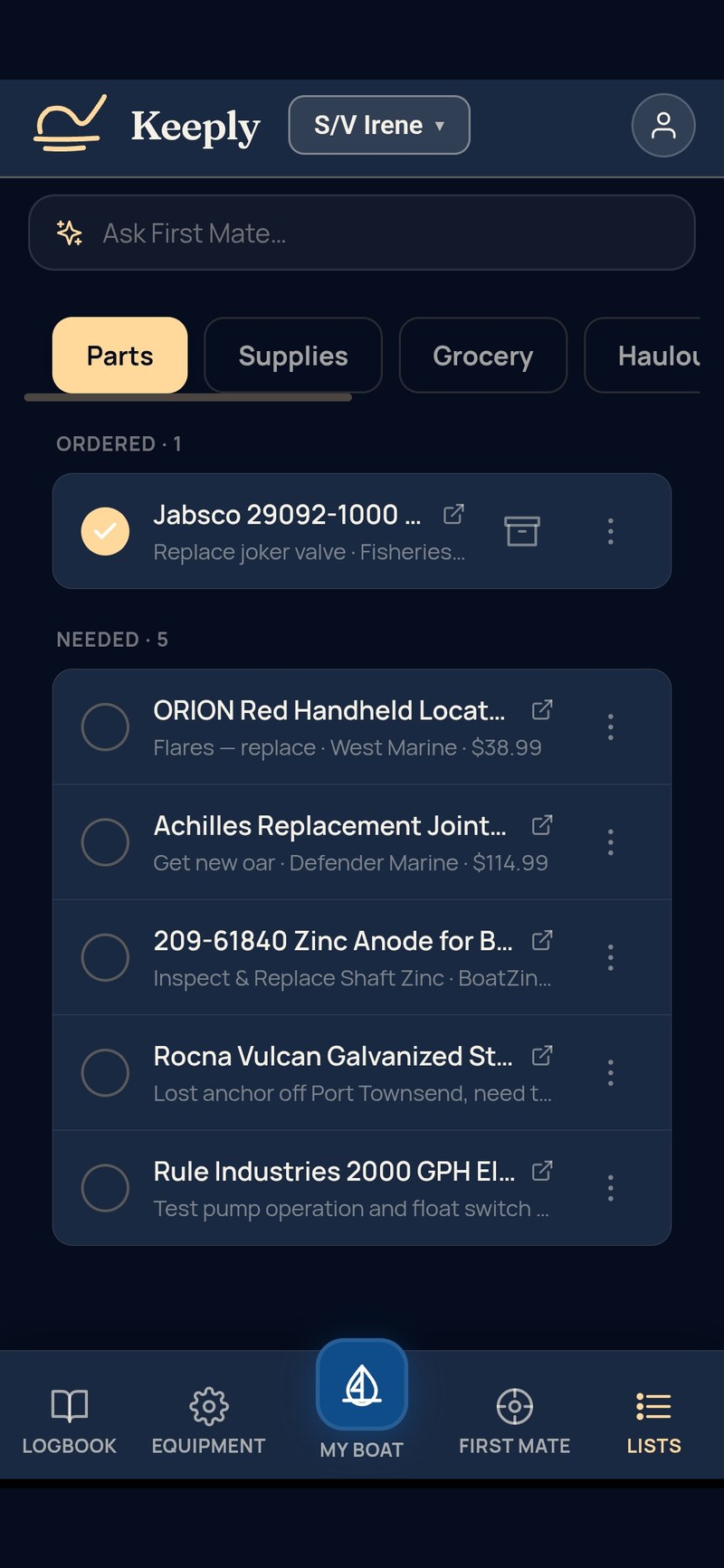
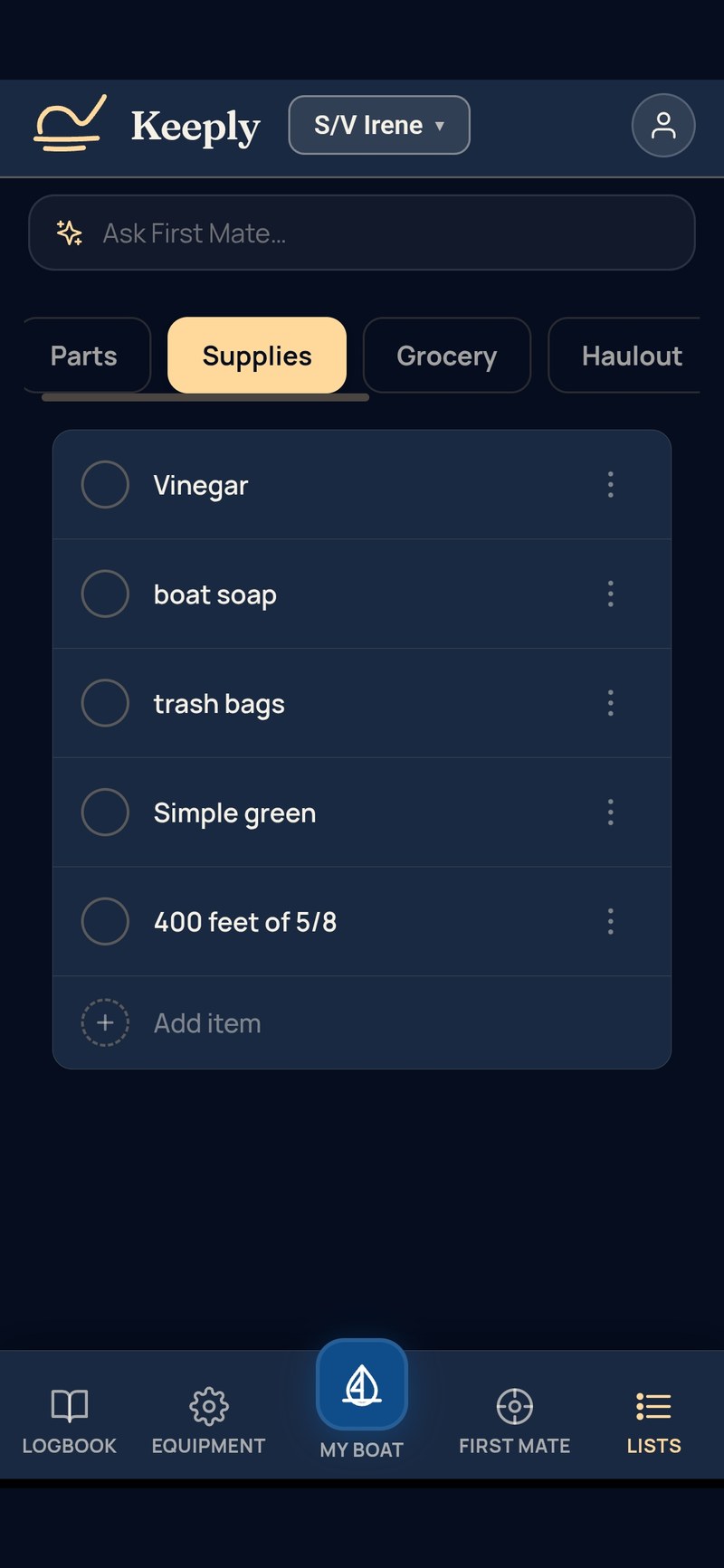
Four prebuilt lists for the work that always comes up — parts to order, supplies to restock, groceries for the next provisioning run, jobs for the next time you’re on the hard. Plus your own custom lists for everything else: Mexico crossing, spring commissioning, tools to bring next trip. Pick a name, pick an icon, start adding. The kind of lists that used to live in Notes or Reminders, now alongside the gear they belong to.
Live passages. Watches. Conditions. Engine hours.
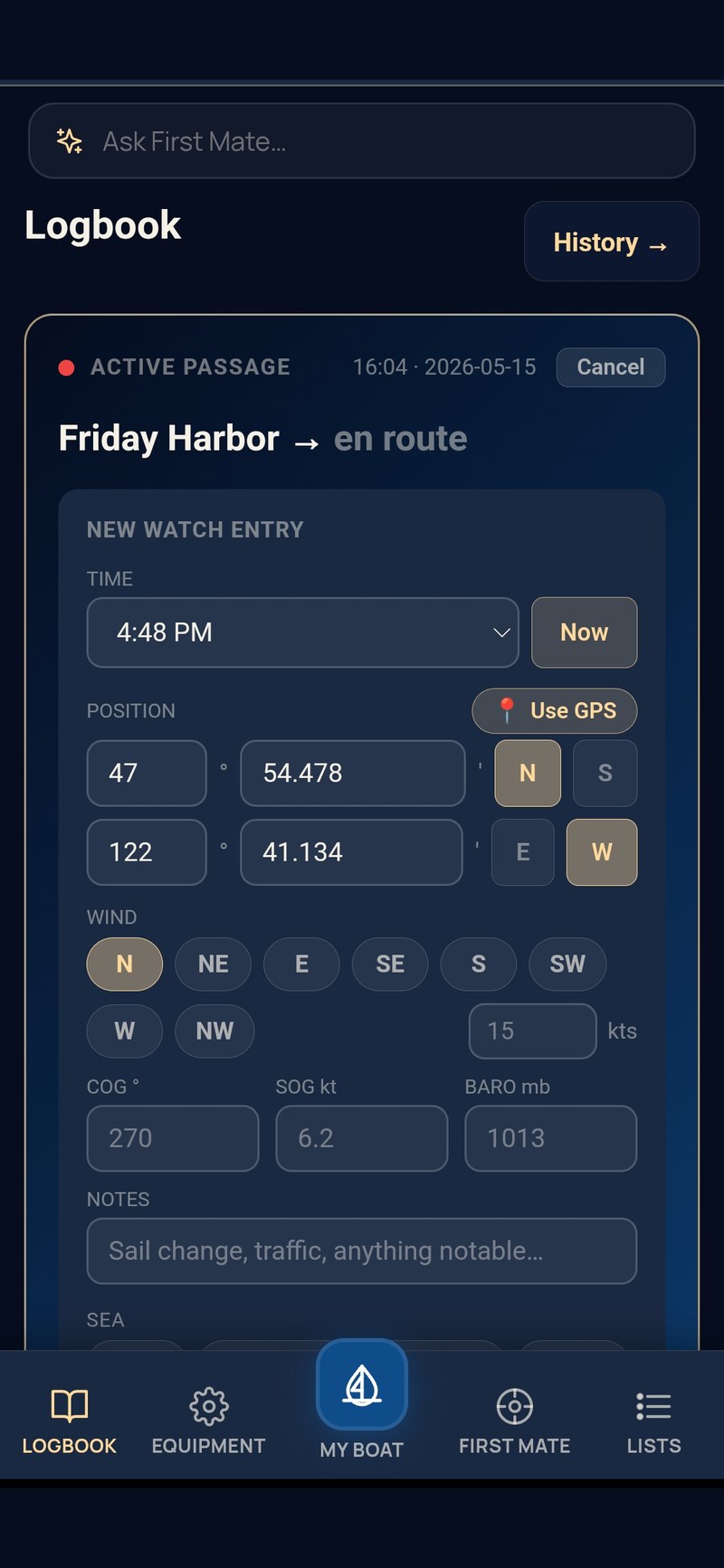
Start a passage when you cast off and tap your way through. Watch changes, GPS position, course over ground, wind and sea state, engine hours — all logged in seconds. Pre-departure and arrival checklists you can edit. The full history feeds back into First Mate so it knows where the boat has been and how it has been used.
Registration, insurance, USCG. Snap and store.
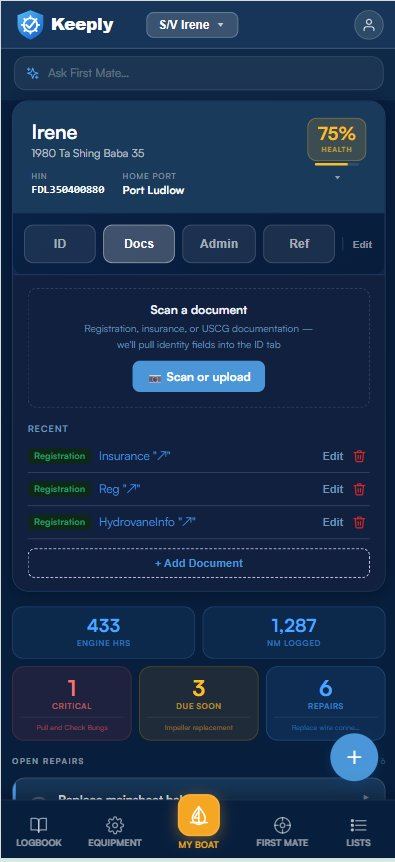
Take a photo or upload your registration, insurance, or USCG document — Keeply scans it and fills in the passport fields for you. HIN, USCG number, state reg, home port, carrier, policy number, expiration. Renewals get tracked, photos stay attached, everything is one tap away when you need it dockside.
Works where boats are.
Anchorages, boatyards and marinas with one bar of signal. Keeply keeps your boat on your phone, so it opens straight away with no connection at all. Log a service, open a repair, write a watch entry, check what is due — it saves on the spot and syncs when you are back in range. Photos and documents save to the phone first and upload on their own. The few things that need the internet say so plainly: First Mate, and reading photos and manuals.